Navigation: Marketing > Google >
Adwords Conversion Tracking


|
Navigation: Marketing > Google > Adwords Conversion Tracking |
|
To use Google Adwords Conversion Tracking, follow the steps below.
1. Open the Marketing : Google page.
2. Click on Adwords Conversion Tracking tab to open Adwords Conversion Tracking page, as shown below.
.
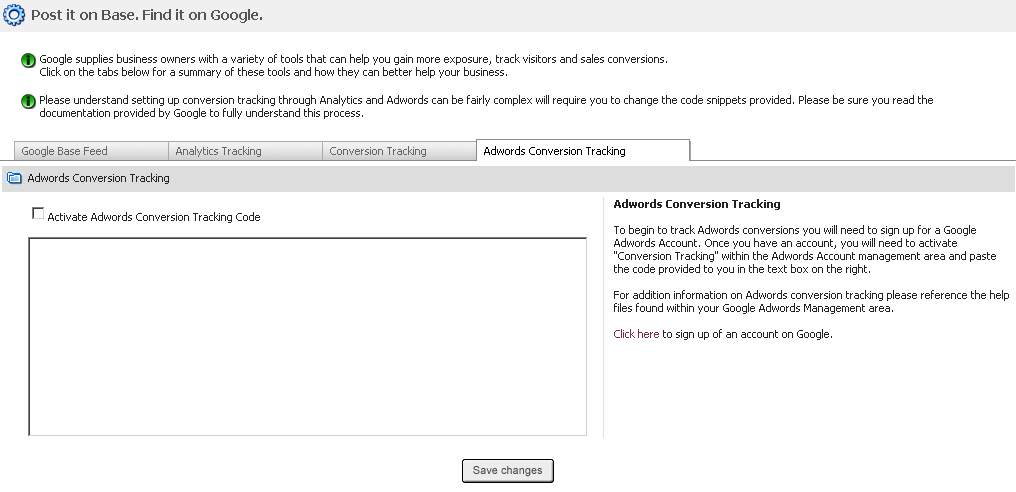
To begin to track Adwords conversions you will need to sign up for a Google Adwords Account. Once you have an account, you will need to activate "Conversion Tracking" within the Adwords Account management area and paste the code provided to you in the text box on the right.
For addition information on Adwords conversion tracking please reference the help files found within your Google Adwords Management area
Click here to sign up of an account on Google.