Navigation: Cart Settings > Payment Methods > Enable/Add Gateway >
Setting Up PayPal Express Checkout


|
Navigation: Cart Settings > Payment Methods > Enable/Add Gateway > Setting Up PayPal Express Checkout |
|
To enable Paypal Express Checkout scroll down to 'Enable/Add Gateway'. Under 'Enable/Add Gateway' select 'Paypal Express Checkout'.
1. Upload your certificate to the server by clicking on the 'browse' button under the 'Payment Server Settings'.=
2. Your certificate should come from PayPal in the form of a .pem file.
3. Enter your PayPal Pro Username and Password
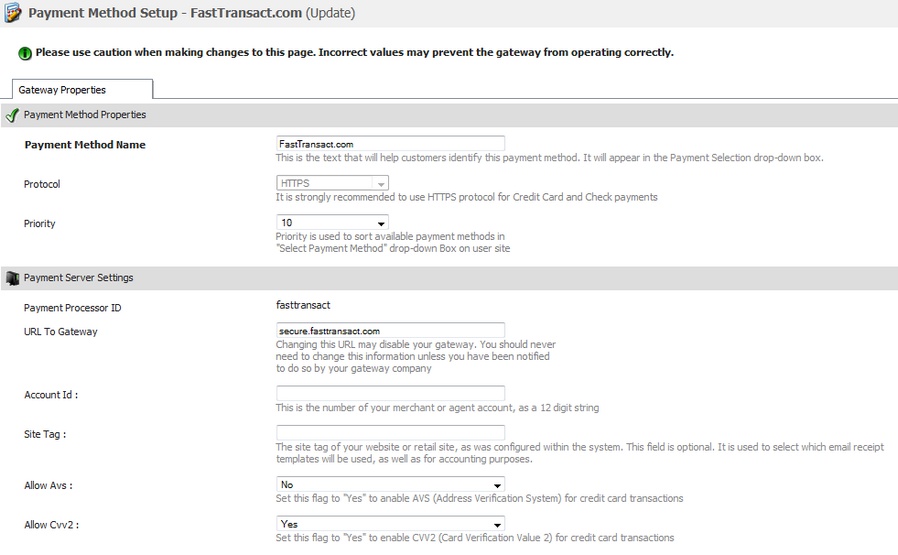
*Note: The username in the picture is not the one you want to you use, you want to use the one supplied to you by PayPal.
4. Decide on wether or not you want PayPal Express Checkout to be your only merchant option for customers in the 'Exclusive' option.
5. Choose wether or not you are going to make this option 'Live' or in 'Test' mode on the 'Mode' option.
6. And finally determine what kind of payment action you want to have live on Cart: 'Sale', 'Authorization', or 'Order' . The description for each option is located below the 'Payment Action' field.